


Table of Contents
Introduction
Building a website is easy. Building a website that actually gets clients? That’s where most people fail. Many business owners invest time and money into creating a website, only to realize it brings no traffic, no leads, and no sales. If you’re wondering how to build a website that gets clients, you’re in the right place.
In this guide, you’ll learn:
- How to structure your website for conversions
- How to attract the right audience
- How to turn visitors into paying clients
By the end, you’ll have a clear, actionable system to create a high-converting website.

Why Most Websites Fail to Get Clients
Most websites don’t fail because of poor design or lack of effort. They fail because they are built without a clear strategy. A website is not just an online presence; it is a tool meant to attract, engage, and convert visitors into clients. When that purpose is not clearly defined, even a visually appealing site will struggle to produce results.
Below are the main reasons why many websites fail to generate clients.
Here are the biggest reasons:
❌ No Clear Message
Visitors don’t understand what you do within 5 seconds.
❌ No Call-To-Action (CTA)
Users don’t know what to do next.
❌ Poor User Experience
Confusing layouts drive people away.
❌ No SEO Strategy
No visibility = no traffic.
A website should function as a sales machine, not just a digital brochure.
Bad vs good website comparison

Step 1 – Define Your Goal and Target Audience
Before you design anything, define your strategy.
Ask yourself:
- Who is my ideal client?
- What problem am I solving?
- What action do I want users to take?
For example:
If you offer web design services, your goal is not just traffic it’s getting inquiries or bookings.
Without clarity, your website will confuse visitors and confused visitors don’t convert.
how to identify your target audience
Step 2 – Choose the Right Platform
Your platform affects performance, flexibility, and SEO.
WordPress (Recommended)
- Highly customizable
- SEO-friendly
- Scalable for growth
Other Options:
- Wix → Easy but limited
- Webflow → Advanced but complex
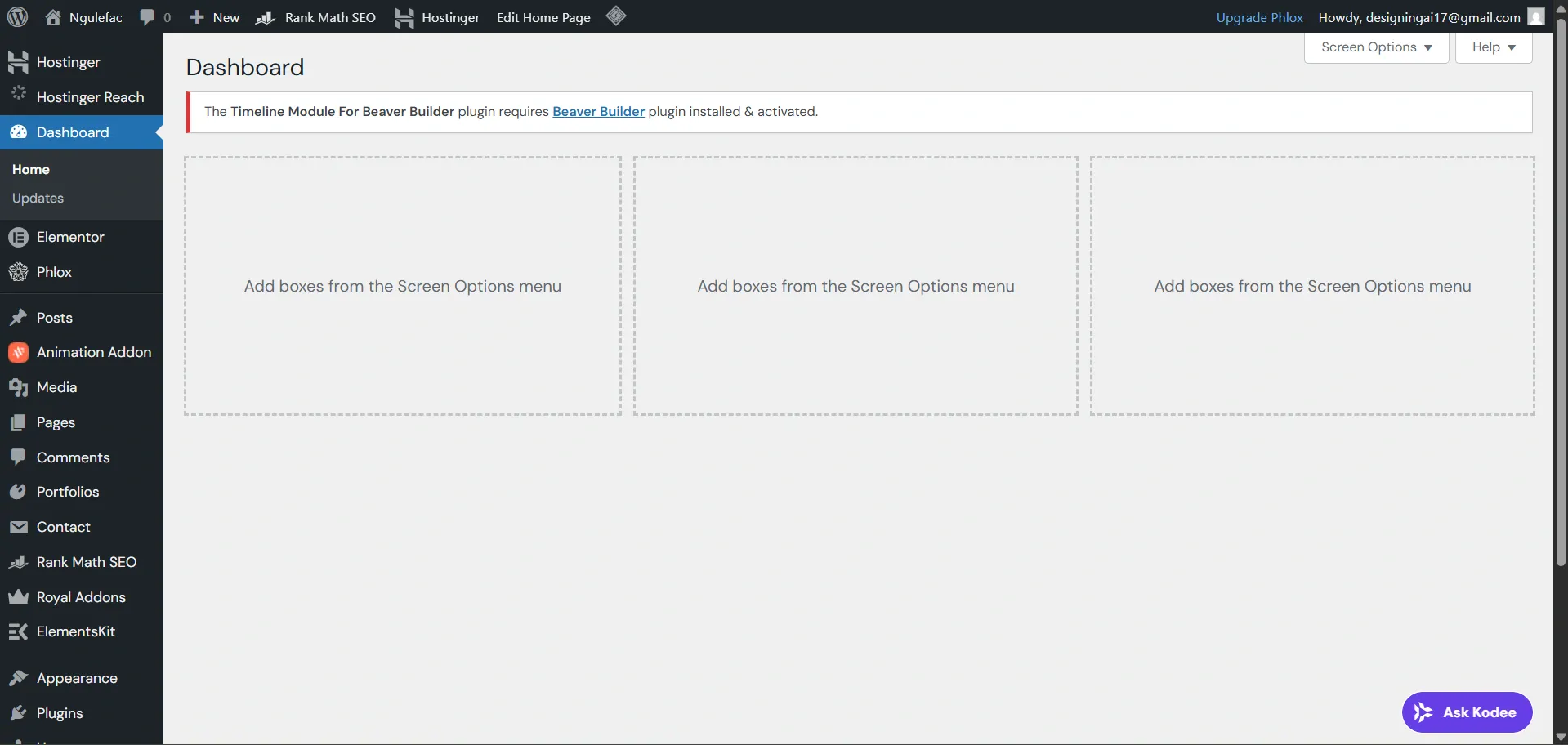
If your goal is to build a website that gets clients, WordPress gives you the best long-term advantage. you can visit WordPress official website here
Step 3 – Create a High-Converting Homepage
Your homepage determines whether visitors stay or leave.
It must answer instantly:
- What do you do?
- Who do you help?
- Why should they trust you?
Key Elements of a High-Converting Homepage
✔ Clear Headline
Example:
“We Build Websites That Turn Visitors Into Clients”
✔ Strong Value Proposition
Explain the benefit, not just the service.
✔ Call-To-Action (CTA)
Examples:
- Get Started
- Book a Call
- Request a Quote
Your CTA should appear above the fold.

Step 4 – Optimize for SEO (Get Traffic)
Without SEO, your website won’t be found.
To build a website that gets clients, you need consistent traffic.
Basic SEO Strategy:
- Use keywords naturally
- Optimize titles and meta descriptions
- Write blog content regularly
- Use internal linking
Read More: SEO for beginners step-by-step guide
Read More: why your website is not getting traffic

Step 5 – Design for Conversions
Traffic alone is not enough.
Your website must convert visitors into clients.
1. Build Trust
- Testimonials
- Case studies
- Portfolio
2. Keep It Simple
- Clean layout
- Easy navigation
3. Optimize for Mobile
Most users browse on mobile devices.
A slow or broken mobile site = lost clients.

Step 6 – Add Essential Pages
A professional website must include:
- Home
- About
- Services
- Contact
Optional but powerful:
- Blog (for SEO growth)
- Portfolio (for trust)
Learn more on website structure for small business
Step 7 – Use AI to Improve Your Website
AI can dramatically improve your workflow and results.
You can use AI to:
- Generate content
- Automate customer responses
- Create chatbots
This saves time and increases efficiency.
Full guild on; best AI tools for entrepreneurs and how to automate your business with AI

Build a Website That Gets Clients Common Mistakes to Avoid
Avoid these common issues:
❌ No clear CTA
❌ Slow website speed
❌ Overcomplicated design
❌ Ignoring SEO
❌ Not updating content
Fixing these alone can significantly improve your results.
Final Thoughts
If you want to build a website that gets clients, focus on:
- Clear messaging
- SEO strategy
- Conversion design
- User experience
A successful website is not just about looking good—it’s about getting results.
Need Help Building a Website That Gets Clients?
If you want a professional website that actually converts:
I can help you with:
- WordPress website design
- SEO optimization
- AI integration
Contact me today and let’s build a website that grows your business.

[…] If you want your site to succeed, you need both SEO and a solid structure. Here’s how to build a website that gets clients […]
[…] To build a website with a good structure, read this article build a website that gets clients […]
[…] Learn how to build a website that gets clients […]
[…] Trust is essential for success. how to get clients from your website […]