

Table of Contents
Introduction
Website design tips are essential if you want your website to perform well and convert visitors into clients.
A website is not just about looking good. It must be clear, easy to use, and designed to guide users toward action.
If you apply the right website design tips, you can improve user experience and increase conversions significantly.
In this guide, you’ll learn practical ways to improve your website design.

Website Design Tips That Improve Performance
When applying website design tips, the goal is to create a website that is both attractive and functional.
Good design helps users:
- Understand your message quickly
- Navigate easily
- Take action
Let’s go through the most important tips.
1. Keep Your Design Simple
Simplicity improves clarity.
A simple design helps users focus on what matters.
Avoid:
- Too many colors
- Too many elements
- Visual clutter
Clean design improves user experience.
2. Use Clear Headlines
Your headline is the first thing users see.
It should clearly explain what you offer.
A strong headline:
- Is simple
- Is direct
- Focuses on value
If users don’t understand your message quickly, they will leave.
3. Add Strong Call-To-Actions
Every website needs a clear call-to-action.
Without it, users won’t know what to do.
Effective CTAs:
- Use action words
- Stand out visually
- Are placed strategically
This is one of the most important website design tips for conversions.

4. Optimize for Mobile
Most users browse on mobile devices.
If your website is not mobile-friendly, you lose traffic and potential clients.
Make sure your site:
- Adapts to all screen sizes
- Loads quickly
- Is easy to navigate
Mobile optimization is essential.
5. Improve Website Speed
Speed affects both user experience and SEO.
A slow website leads to high bounce rates.
To improve speed:
- Compress images
- Use good hosting
- Minimize unnecessary scripts
You can test your website using Google PageSpeed Insights.
6. Use High-Quality Images
Images play a big role in design.
Low-quality visuals can reduce trust.
Use:
- Clear images
- Professional visuals
- Consistent style
Good visuals improve the overall experience.
7. Build Trust Elements
Trust increases conversions.
If users don’t trust your website, they won’t take action.
Add:
- Testimonials
- Portfolio
- Contact details
Trust is essential for success. how to get clients from your website
8. Use Proper Structure
A well-structured website is easier to navigate.
Important elements:
- Clear sections
- Logical layout
- Internal links
Good structure improves both SEO and user experience.
If your structure is weak, your website may struggle to perform.
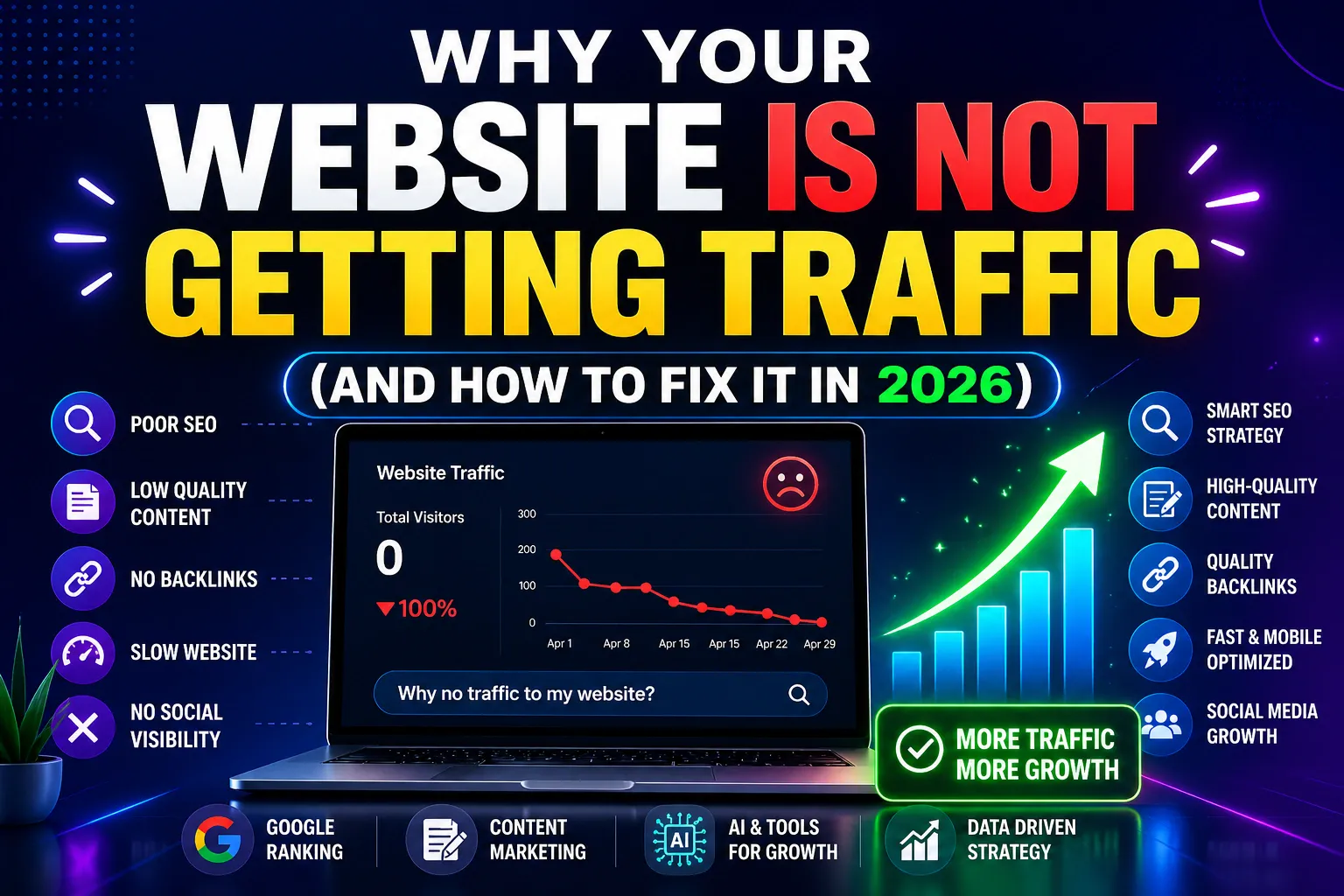
learn more why your website is not getting traffic
9. Focus on User Experience
User experience is the foundation of good design.
Your website should be:
- Easy to use
- Fast
- Clear
Good UX keeps visitors engaged and improves results.

Final Thoughts
Applying the right website design tips can transform your website into a powerful business tool.
Design is not just about appearance—it’s about performance.
When your website is clear, fast, and user-friendly, it becomes much more effective.